I am using Winnium (C#) to automate my desktop application. I am not able to click on the element and getting Element not found exception. Please find the sample code below
IWebElement departments = driver.FindElementById("cb_depAction");
departments.ClickOnElement(departments);
Note: Tried with both Name and ID . Both are not working and getting Element not found exception .
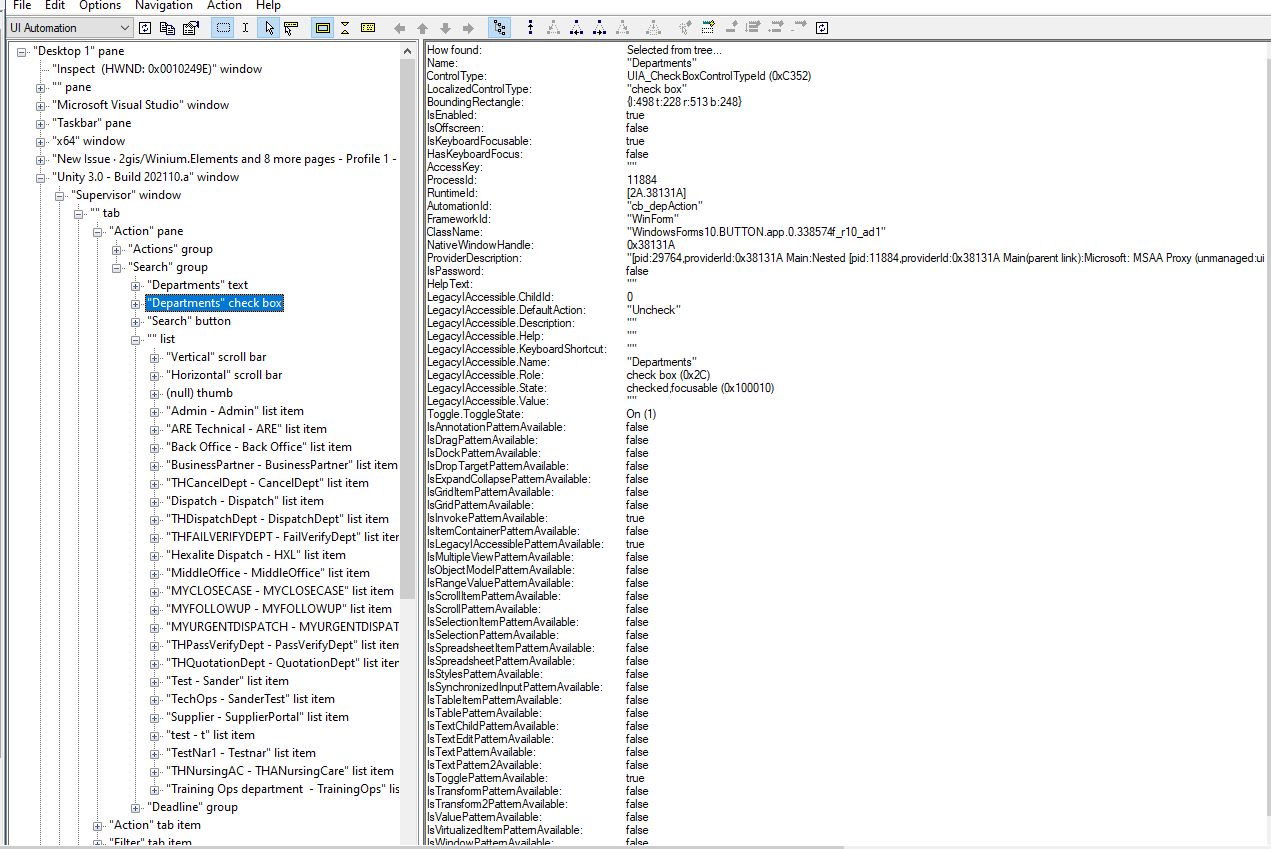
I am using Winnium (C#) to automate my desktop application. I am not able to click on the element and getting Element not found exception. Please find the sample code below
IWebElement departments = driver.FindElementById("cb_depAction");
departments.ClickOnElement(departments);
Note: Tried with both Name and ID . Both are not working and getting Element not found exception .
