简体中文 · English
Create, preview, and export HD MP4 videos from HTML / GSAP inside DeepSeek Harness.
Ships with the OP-DSH Hardware Multi-Track Director Console, official HyperFrames skills, starter templates, Studio preview, local MP4 rendering, and editable source archives.



Features · Install · Workflow · Full guide
| Pillar | Capabilities |
|---|---|
| OP-DSH Director Console | Recessed Live Stage Monitor (16:9/9:16/1:1, TC timecode & 24-LED matrix), tactile parameter strip & scrubbable Video/Caption/Pace timeline; 1-click toggle to classic Form |
| Official Skills & Templates | Bundled HyperFrames skills (pinned 0.9.77, including reverse-video & style sampling) with title, product, and slideshow templates |
| Studio Preview & Export | Managed renderer setup, official Studio preview, local HD MP4 rendering & editable project backups |
| Unified Themes & Fonts | Adapted for DSH >=0.2.2-rc.3 with 13 bright studio themes and 8 dual-layer font pairings (default: YouYuan Mono) synced across plugins |
See a workbench example
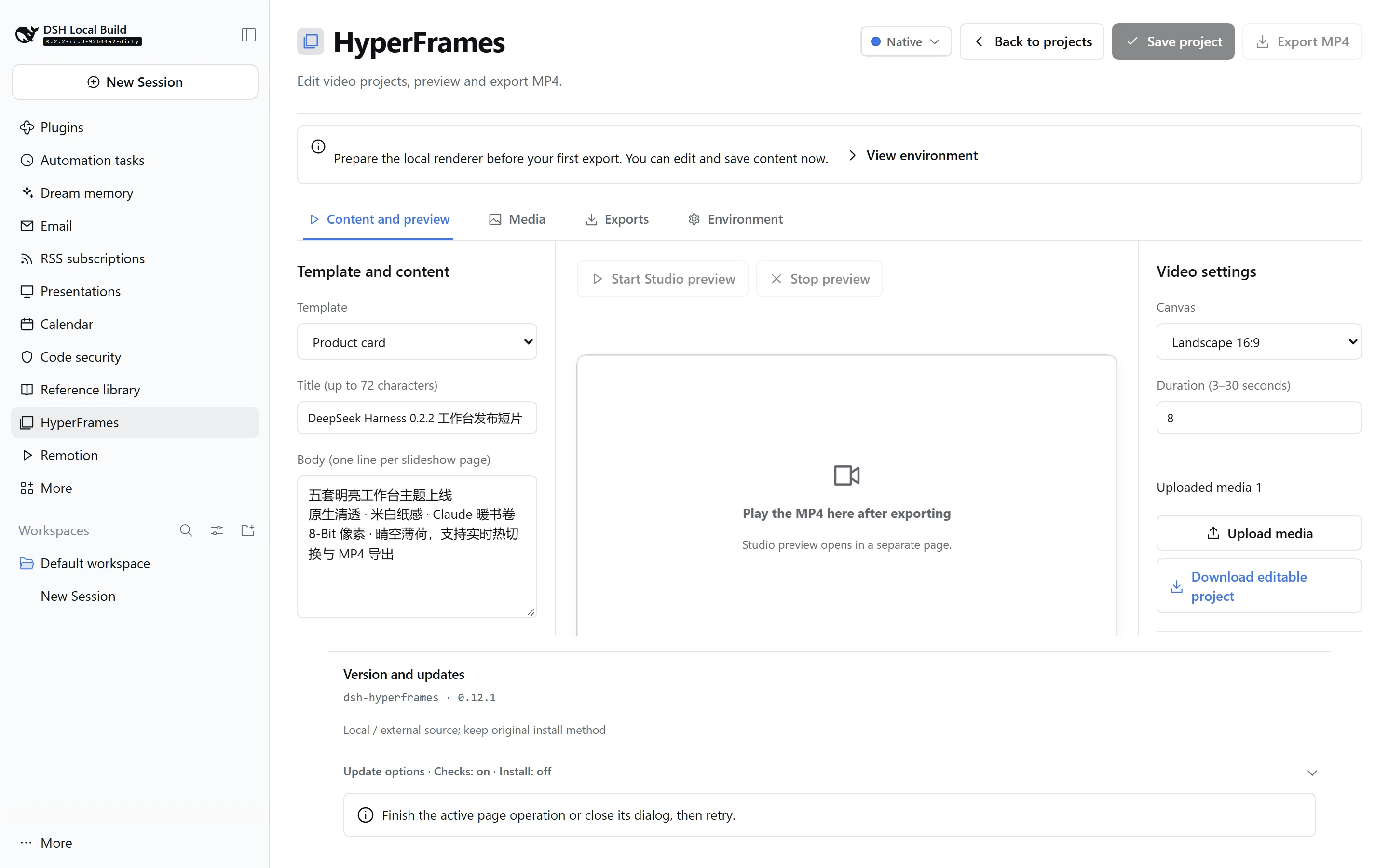
Captured in a local DeepSeek Harness environment with synthetic sample data.
Open Plugins in the DSH desktop app and install dsh-hyperframes, or use the CLI:
dsh plugin --profile desktop add dsh-hyperframesFor the web profile, replace desktop with web and restart DSH. Requires DSH >=0.2.2-rc.3.
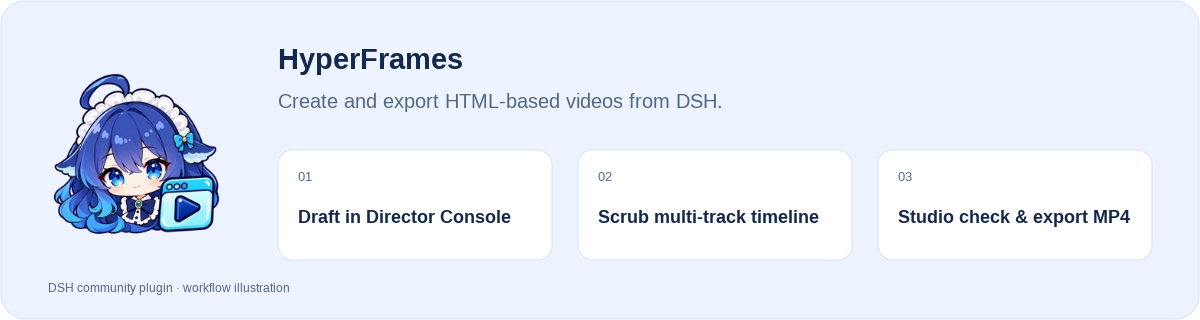
- Create or open a project: Open HyperFrames in the sidebar to enter the OP-DSH Director Console (toggle to Form mode anytime in 1 click).
- Direct & scrub scenes: Pick
16:9/9:16/1:1, templates, and 3–30s duration; edit lines in Script, then press▶ Playor scrub the Video / Caption / Pace tracks live. - Organize media: Save the project before uploading images, audio, or muted videos; reorder slides in Media without touching original files.
- Prepare renderer & Studio: Initialize the official renderer in Environment on first use, then launch Studio preview to verify motion.
- Export MP4 & keep backups: Confirm the pre-export summary to render HD MP4 locally, play/download inline, and search or restore project archives anytime.
Create an HTML product video. Confirm the script and structure before previewing and exporting MP4.
- Prepare the managed rendering environment in Environment on first use; export again after editing a project.
- Skills & runtime: Bundled skills and renderer are pinned to
0.9.77(9 canonical skills + 14 compatibility names, including reverse-video and style-sampling workflows); plugin updates never overwrite user projects or lockfiles. - If Desktop cannot detect installed Node/npm, check its launch
PATH(e.g.,/opt/homebrew/binor/usr/local/bin) and restart DSH. See usage guide and skill sync.
Check updates at the bottom of the workbench or native plugin details. Automatic checks are on by default; automatic installation is off. Suite-managed components update with their bundle.
- Full usage, configuration and limits · Release notes · Validation history
- Stars, Issues, and PRs are welcome (strip credentials first).