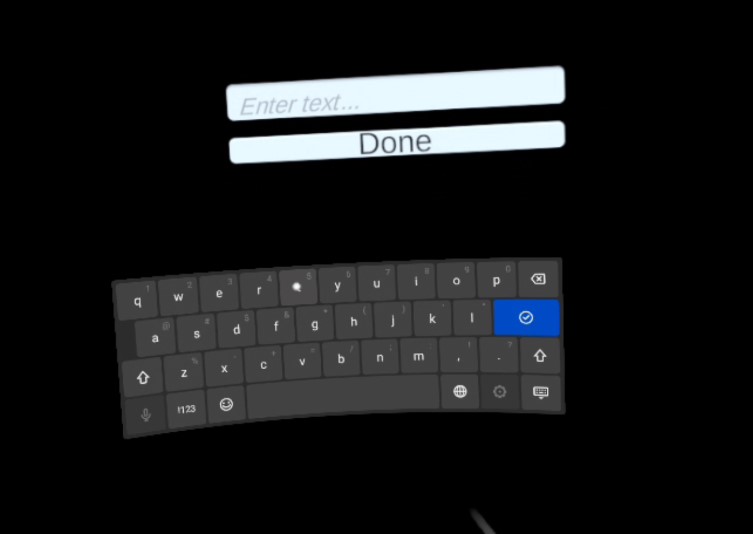
This is a quick demo showing how to setup a System Keyboard for Oculus (TouchScreenKeyboard is called internally) using Unity. It relies on the Oculus Integration Package. https://developer.oculus.com/documentation/unity/unity-keyboard-overlay/ This demo was made using the v37 of the Oculus Integration package and Unity 2021.2.8
It features only one scene with a simple canvas which hαs an Inputfield and a Button. Use the right controller to point and press the A button to trigger the input field or button. Open the /Scenes/SampleScene, be sure to switch to Android first.
It works only deployed I havent tested it but it should not work using Link, it does not work in the Editor.