


EVPlayer is a customized UIView with AVPlayer, which makes video playback extremely easy with its various usage options
- Autoplay mode
- Loop mode
- Switch to full-screen mode synchronously
- Seek animations
- Persistence player to resume playback after bad network connection
- Get relevant player states (quickPlay, play, pause, thumbnail, restart, ...)
- Customizable thumbnail
- Selectable supported orientations for full screen mode
- Selectable seek durations for forward and backward (5, 10, 15, 30 seconds, ...)
- Get current & total time, loaded range and, full-screen mode life cycle
- Log available
To run the example project, clone the repository and open Example/EVPlayer.xcodeproj. Xcode resolves the local EVPlayer Swift package automatically.
- iOS 15.0+
Using Swift Package Manager
In Xcode, select File > Add Package Dependencies and enter:
https://github.com/esaygiver/EVPlayer.git
You can also add EVPlayer to another package:
dependencies: [
    .package(url: "https://github.com/esaygiver/EVPlayer.git", from: "2.0.0")
]
Using CocoaPods
CocoaPods is a dependency manager for Cocoa projects. You can install it with the following command:
$ gem install cocoapodsTo integrate EVPlayer into your Xcode project using CocoaPods, specify it in your Podfile:
source 'https://github.com/CocoaPods/Specs.git'
platform :ios, '15.0'
use_frameworks!

target '<Your Target Name>' do
    pod 'EVPlayer'
end
Then, run the following command:
$ pod installManual
Download the project, just drag and drop classes under Source file to your project.
Create EVPlayer object
let evPlayer = EVPlayer(frame: CGRect(x: 0, y: 0, width: 350, height: 200))
view.addSubview(evPlayer)
evPlayer.center = view.center
Create media with video URL and optional thumbnail URL
let media = EVMedia(videoURL: URL, thumbnailURL: URL?)Create configuration with media
let config = EVConfiguration(media: media)Configuration can be customize
config.videoGravity = .resizeAspect
config.fullScreenVideoGravity = .resize
config.shouldAutoPlay = true
config.shouldLoopVideo = true
config.forwardSeekDuration = .k30
config.rewindSeekDuration = .k90
config.isFullScreenShouldOpenWithLandscapeMode = true
config.progressBarMaximumTrackTintColor = .blue
config.progressBarMinimumTrackTintColor = .green
Start loading operation with configuration
evPlayer.load(with: config)EVPlayer screen recordings (Portrait & Landscape full screen mode, ended scene)
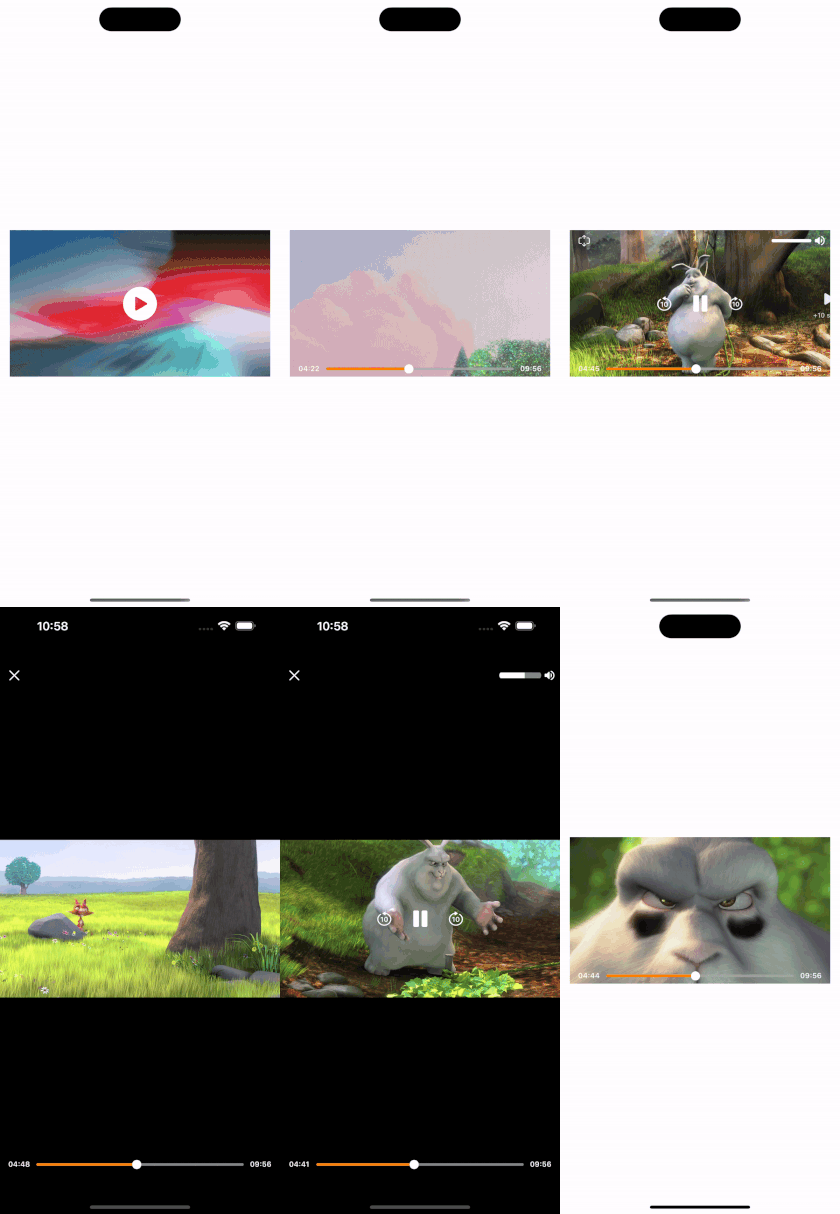
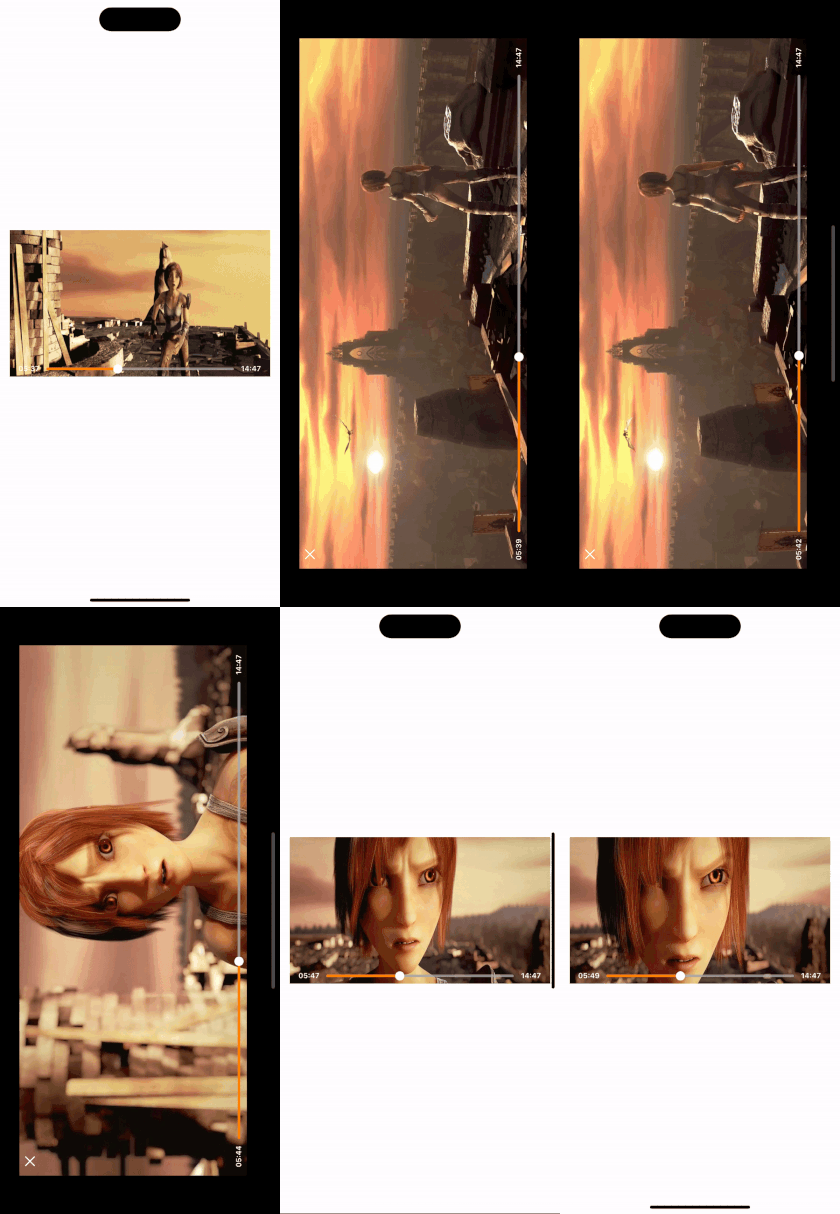
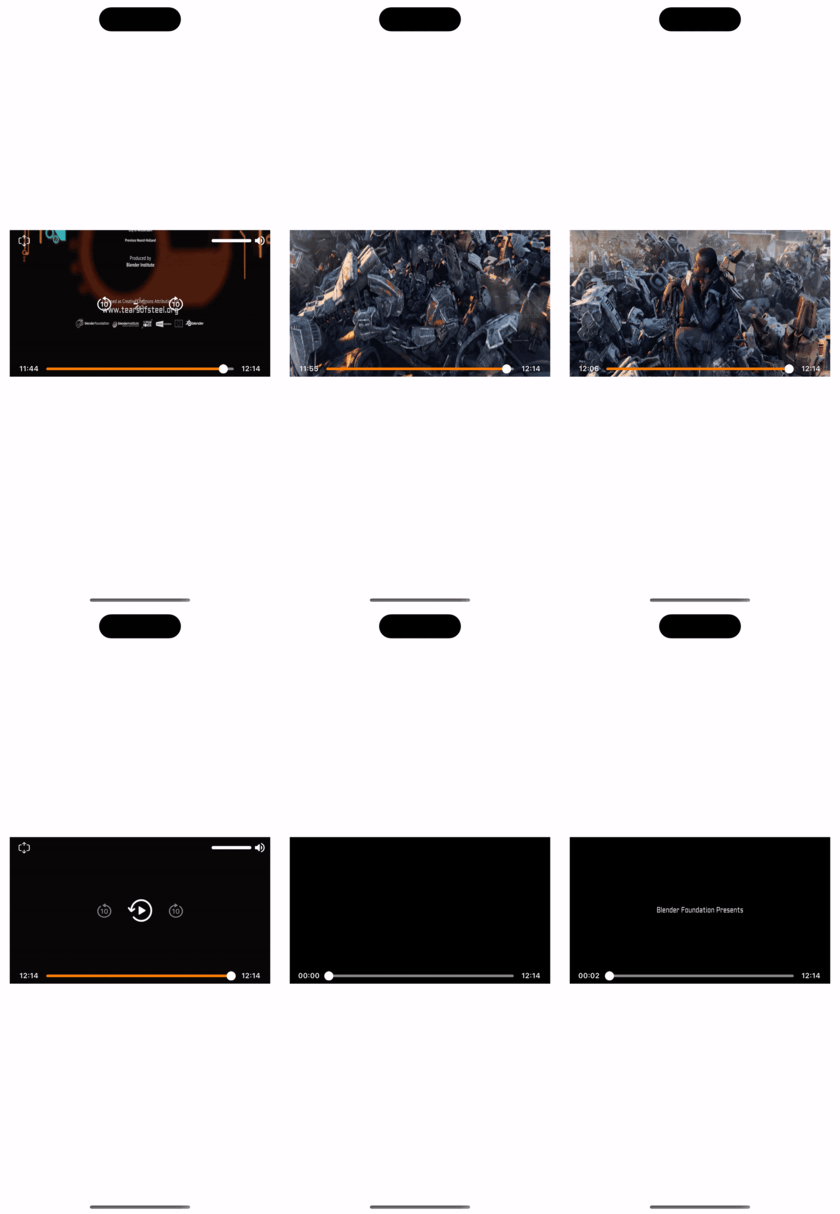
EVPlayerController Usage
let config = EVConfiguration(media: media)

EVPlayerController.startFullScreenMode(withConfiguration: config)
EVPlayerController screen recordings

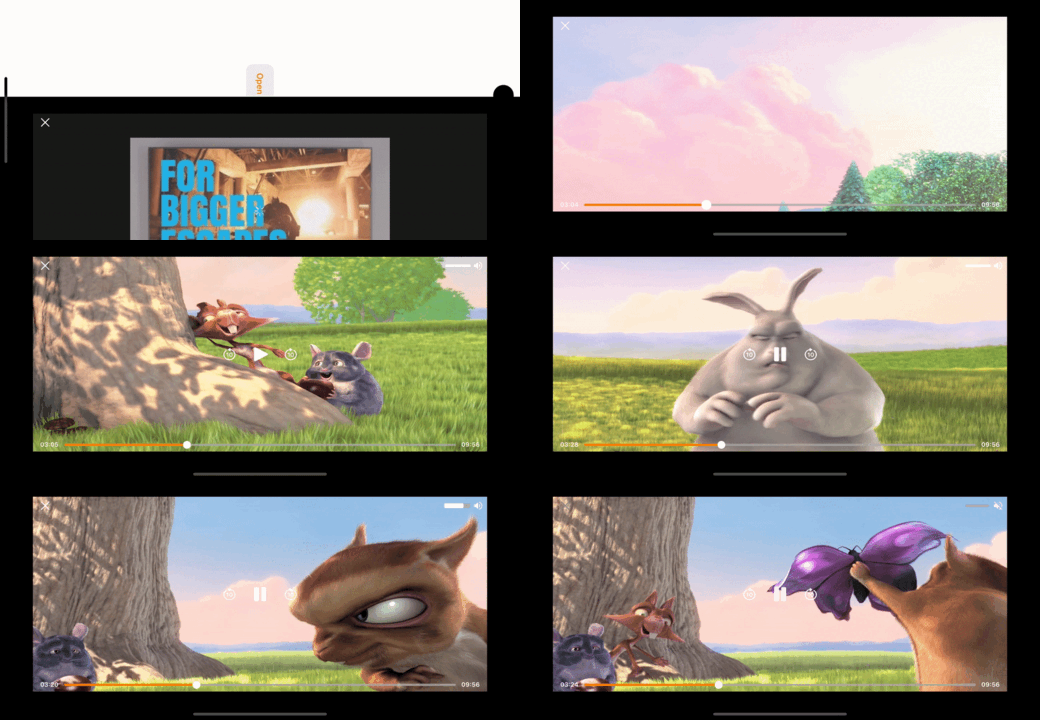
EVPlayer comes with several customizable features. You can customize these features on EVConfiguration file;
📌 shouldAutoPlay: Bool
A Boolean value that determines whether the player should start playing automatically when the player is loaded. Default is NO
📌 shouldLoopVideo: Bool
A Boolean value that determines whether the video should restart automatically from the beginning when it reaches the end. Default is NO
📌 videoGravity: AVLayerVideoGravity
The gravity of the video layer that determines how the video is displayed within the layer bounds. Default is AVLayerVideoGravity.resize
📌 fullScreenModeVideoGravity: AVLayerVideoGravity
The gravity of the full-screen mode video layer that determines how the video is displayed within the layer bounds. Default is AVLayerVideoGravity.resizeAspect
📌 isSeekAnimationsEnabled: Bool
A Boolean value that determines whether seek animations should be enabled. Default is YES
📌 forwardSeekDuration: EVSeekDuration
The time duration that the player should seek forward when the user taps the forward button. Default is k10 (10 seconds)
📌 rewindSeekDuration: EVSeekDuration
The time duration that the player should seek rewind when the user taps the rewind button. Default is k10 (10 seconds)
📌 isFullScreenModeSupported: Bool
A Boolean value that determines whether the full-screen mode supported. Default is YES
📌 isFullScreenShouldOpenWithLandscapeMode: Bool
A Boolean value that determines whether the player should be presented in full-screen mode with landscape orientation. Default is NO, meaning the player will be presented in full-screen mode with portrait orientation.
📌 isFullScreenShouldAutoRotate: Bool
A Boolean value that determines whether the player should rotate to match the device orientation when the device is rotated at full-screen mode. Default is YES
📌 fullScreenSupportedInterfaceOrientations: UIInterfaceOrientationMask
The supported interface orientations for the player when it is presented in full-screen mode. Default is UIInterfaceOrientationMask.allButUpsideDown
📌 fullScreenPresentationStyle: UIModalPresentationStyle
The presentation style to use when presenting the player in full-screen mode. Default is UIModalPresentationStyle.fullScreen
📌 thumbnailContentMode: UIView.ContentMode
The content mode of thumbnail imageView. Defaul is UIView.ContentMode.scaleToFill
📌 progressBarMinimumTrackTintColor: UIColor
The tint color of the minimum track of the progress bar, which represents the progress of the video playback. Default is UIColor.orange
📌 progressBarMaximumTrackTintColor: UIColor
The tint color of the maximum track of the progress bar, which represents the remaining time of the video playback. Default is UIColor.lightGray with an alpha component of 0.8.
📌 isTransactionAnimated: Bool
A Boolean value that determines whether the player transition to full-screen mode should be animated. Default is YES
If you want to track current player state, current & total duration, and full screen lifecycle you can set delegate;
evPlayer.delegate = self
Methods;
func evPlayer(stateDidChangedTo state: EVVideoState)
func evPlayer(timeChangedTo currentTime: Double, totalTime: Double, loadedRange: Double)
func evPlayer(fullScreenTransactionUpdateTo state: EVFullScreenState)
Emirhan Saygıver
Just send me an email (saygivere@gmail.com)
EVPlayer is available under the MIT license. See the LICENSE file for more info.