

English · 日本語 · 简体中文 · 한국어 · Español · Português (Brasil)
Rig your art with bones and meshes, animate it, render it as film, and ship it to any game engine. Free forever.




Windows · macOS · Linux · or the full editor in your browser, nothing to install
Website · Documentation · Devlog · Add-ons
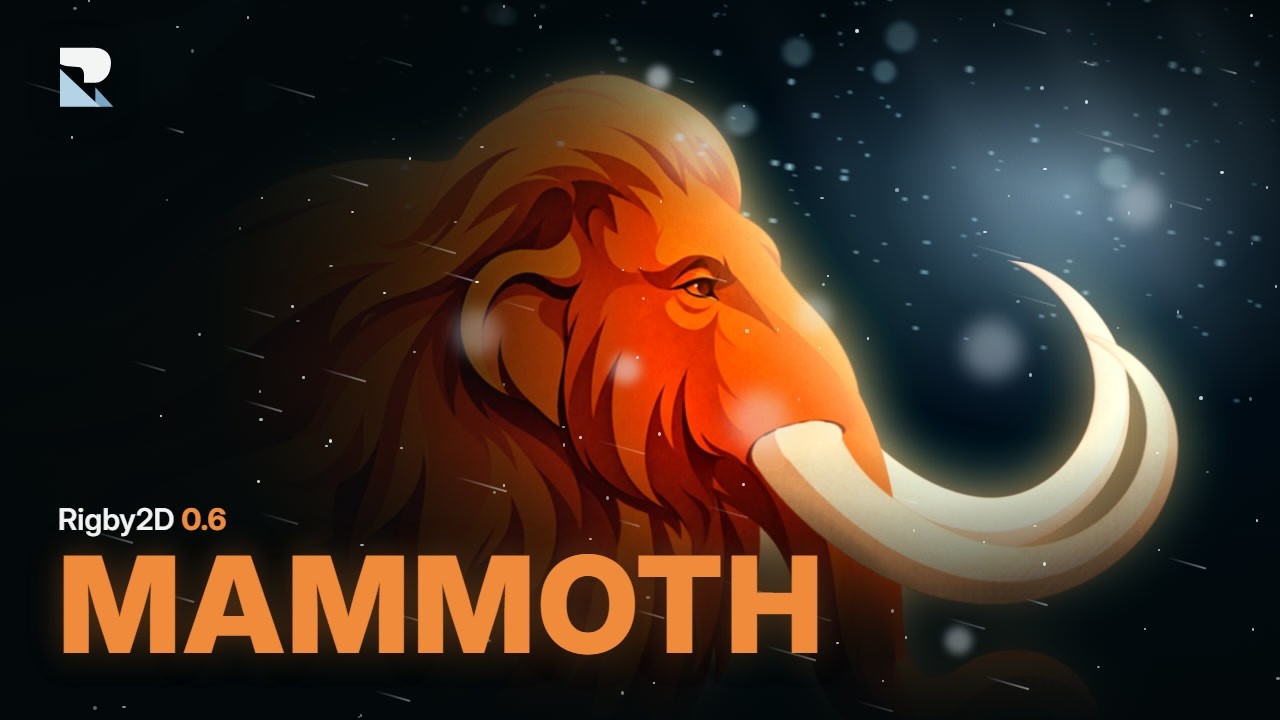
▶ Watch the 0.6 Mammoth trailer: every shot made in Rigby2D
Listed on AlternativeTo next to Spine, DragonBones and Live2D

 Godot 4.3+ |
 Unity 2021.3+ · 6 |
 Defold 1.14+ |
 Cocos Creator 3.8 |
 Phaser 3.60+ · 4 |
 PixiJS 8 · WebGPU |
 Ren'Py 8.3+ |
 JavaScript any engine |
 Rust native |
Nine free, open-source runtimes. Each plays the same animation as the editor, frame for frame.




The 0.6 editor with the Mammoth demo: its rig in the viewport, the trumpet animation in the dopesheet, the tree and inspector docked on the right.
- Polydium (CG · VFX · Game Daily Briefing): Rigby2D — 레이어 PSD를 자동으로 리깅하는 오픈소스 2D 스켈레탈 애니메이션 에디터 — featured in the Polydium Pipeline Briefing for Korean game and VFX studios.
- Portable Linux Apps: Rigby2D AppImage for Linux — listed in the AppImage catalog of the AM package manager.
- Open-source & AI indexes: Listed in Trendshift Top Game Engine Open-Source Projects (2026), Nicheloom, and Context7.
Read the documentation: guides with screenshots for every part of the editor, the
runtimes and the MCP server. The pages are also in docs/.
| Get started | Rig | Animate | Ship and automate |
|---|---|---|---|
| Installation | Importing art | Animating | Export |
| Quick start | AutoRig | Graph editor | Runtimes |
| The interface | Bones and slots | Poses and faces | Python scripting |
| Demo projects | Meshes · Constraints | Film · Scenes · Lip-sync | AI assistants (MCP) |
- AutoRig: a layered PSD, SVG or Aseprite file becomes an editable rig in one step: bones, joints, bending meshes and IK.
- An interface built on one design language: dock any panel anywhere or into another's tabs, a Rig
panel, saved layouts, and themes (Rigby Dark, Mammoth, Rigby Light, or your own
.rigbytheme). - Full rigging toolset: bones and point bones, weighted meshes with locked points and holes, linked meshes, image sequences, skins, events, clipping and paths, with IK, transform, path, physics and slider constraints that never jump. Test a pose or let the bone wiggle while you paint weights, and move a joint after the rig is built without moving the art.
- 2.5D turn and warp deformers: one handle turns and tilts a head in depth, each side can be shaped by hand, and nested lattices bend any mesh. All of it plays in every runtime.
- Animation: Setup and Animate modes, dopesheet with tween lines, graph editor with Bézier handles, onion skinning, pose library, face controls and retargeting between characters.
- Film workspace: 4K, timecode, an animatable camera, audio tracks, viseme lip-sync with on-device Whisper transcription, and film effects (drop shadow, light shading, glow, blur, colour grade, particles, motion blur, depth of field), rendered on the GPU to PNG sequences, WebM with alpha and MP4.
- Scene composition: several characters on one stage as actors with NLE-style clips (trim, speed, loops, crossfades, their own audio), painted layers with parallax, and a camera, played in games by the runtimes. See Scenes.
- Your work is safe: saves that never leave a half-written file,
.rigby1backups like Blender's.blend1, auto-save, and crash recovery. See Saving and recovery. - Preferences and add-ons: the language (English, Japanese, Chinese, Korean, Spanish, Portuguese), interface scale, shortcuts with Reference and Blender-like keys, and an add-on gallery for sandboxed Python add-ons. See Add-ons.
- Coming from other tools: opens Spine exports (with a migration checker), DragonBones projects and Aseprite files (tags become animations). See Coming from Spine and Coming from DragonBones.
- Automation: Python scripting, the
rigbycommand line (convert, validate, export, AutoRig and GPU renders from scripts and CI, see Command line), and a built-in MCP server so AI assistants such as Claude can inspect, rig and animate your projects. - Lossless skeleton JSON (3.8, 4.2, 4.3) and binary
.skelwith texture atlases, played by nine runtimes: JavaScript, Phaser, PixiJS, Rust, C++ (Defold), Unity, Godot, Cocos Creator and Python (Ren'Py), all checked frame by frame against the editor. File ▸ Get runtimes installs them. - Sprite sheets for engines that play frames: packed with TexturePacker/Aseprite-style JSON, a Defold atlas, or PNG frames, with loops that join up.
- Welcome screen, tutorials and demos: lessons in the app, signed auto-updates on the desktop, and demo projects (the Mammoth, NILA, Rigbytron and a scene with both), also on the Demos page with their game-ready exports (demo content © Rigby2D, under its own demo license).
- In your browser: open the editor, nothing to install.
- Windows: download the portable editor or an installer from Releases.
- macOS: download the .dmg
(Apple silicon and Intel). Linux: download the AppImage
or the
.debfrom Releases. See Installation for the first start. - AI assistants: install Rigby2D-AI.mcpb in Claude Desktop, or see the MCP guide.
- From source (Node.js 20+ and the Tauri prerequisites):
git clone https://github.com/jaisurya-dev-art/rigby2d.git
cd rigby2d
npm install
npm run dev        # desktop app; npm run web:dev for the browser, npm test for the tests
See Installation for every option.
src/core/       Runtime: data model, skeleton JSON/.skel + atlas I/O, pose evaluation, constraints, playback
src/editor/     Editor UI: viewport, tree, inspector, dopesheet, graph editor, import/export, scripting
src/webgl/      Reference WebGL renderer for the runtime
src/mcp/        Model Context Protocol server for AI assistants
runtimes/       Rust, C++ (Defold), Godot, Unity, Cocos Creator, Phaser, PixiJS and Ren'Py runtimes
site/           Website and documentation site (GitHub Pages)
docs/           Documentation pages and images
branding/       Logo, icons, Rigbytron and NILA (proprietary, see TRADEMARKS.md)
src-tauri/      Native desktop shell
test/           node:test suites
Rigby2D is free and open source, and it stays that way. Monthly support pays for what one person can't, starting with code signing in Rigby2D's name, so Windows and macOS stop warning the people who download it. The first goal is $25 a month; the first 20 monthly supporters are Founding Supporters.


Contributions are welcome! Please read CONTRIBUTING.md for the development setup, coding style and pull request process.
Rigby2D's source code is licensed under either of
at your option. © 2026 jaisurya-dev-art
Unless you state otherwise, any contribution you submit for inclusion in Rigby2D is licensed under both licenses as above, without any additional terms or conditions.
The editor distributes Pyodide and CPython for Python scripting under their own licenses; see THIRD_PARTY_NOTICES.md.
Rigby2D, Rigbytron and NILA, and the Rigby2D logo, lockups, icons and the Rigbytron
and NILA mascots in branding/, are proprietary trademarks of the Rigby2D project. They are not covered by the MIT or Apache 2.0 licenses. Forks
and modified versions must use their own name and branding. See TRADEMARKS.md.
The DragonBones demo characters on the website (site/showcase/dragonbones/)
are © The DragonBones team and other contributors, under CC BY-NC-SA 4.0, not the Rigby2D license.
Rigby2D is an independent open-source project. It is not affiliated with, endorsed by, or sponsored by the makers of any other animation software. All trademarks belong to their respective owners.
Rigby2D reads and writes the skeleton JSON, binary .skel and texture atlas file formats solely for interoperability, so that users can work with their own exported files. This support was implemented clean-room:
- JSON and atlas formats: implemented from publicly available documentation.
- Binary
.skelformat: implemented from the publicly documented binary layout of earlier versions and by comparing JSON and binary exports of the same skeleton (black-box observation of exported data).
No source code, runtimes, editor files or assets of other animation software are used or distributed with Rigby2D. Compatibility with files from any particular editor or runtime version is provided as-is and is not guaranteed.