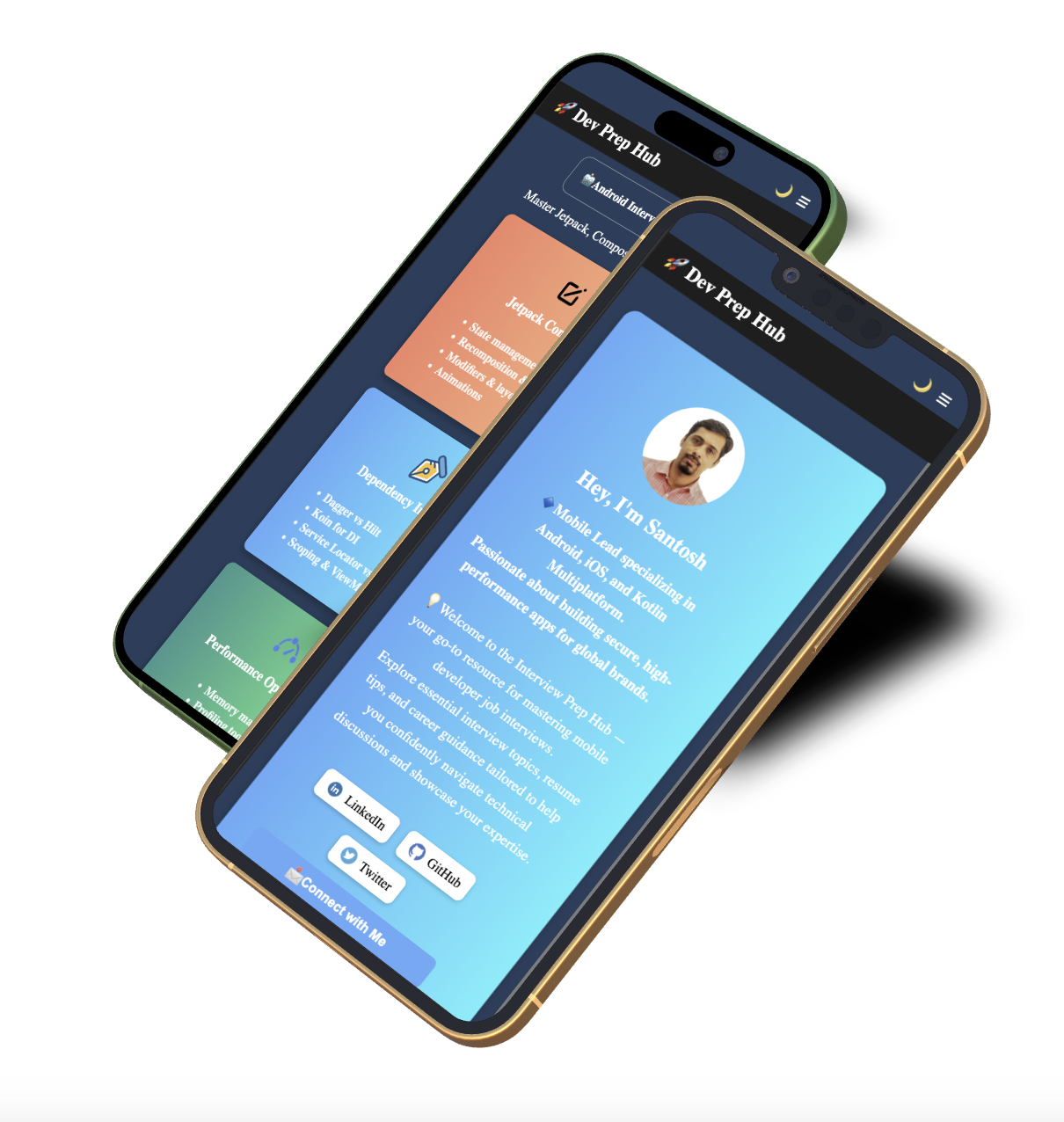
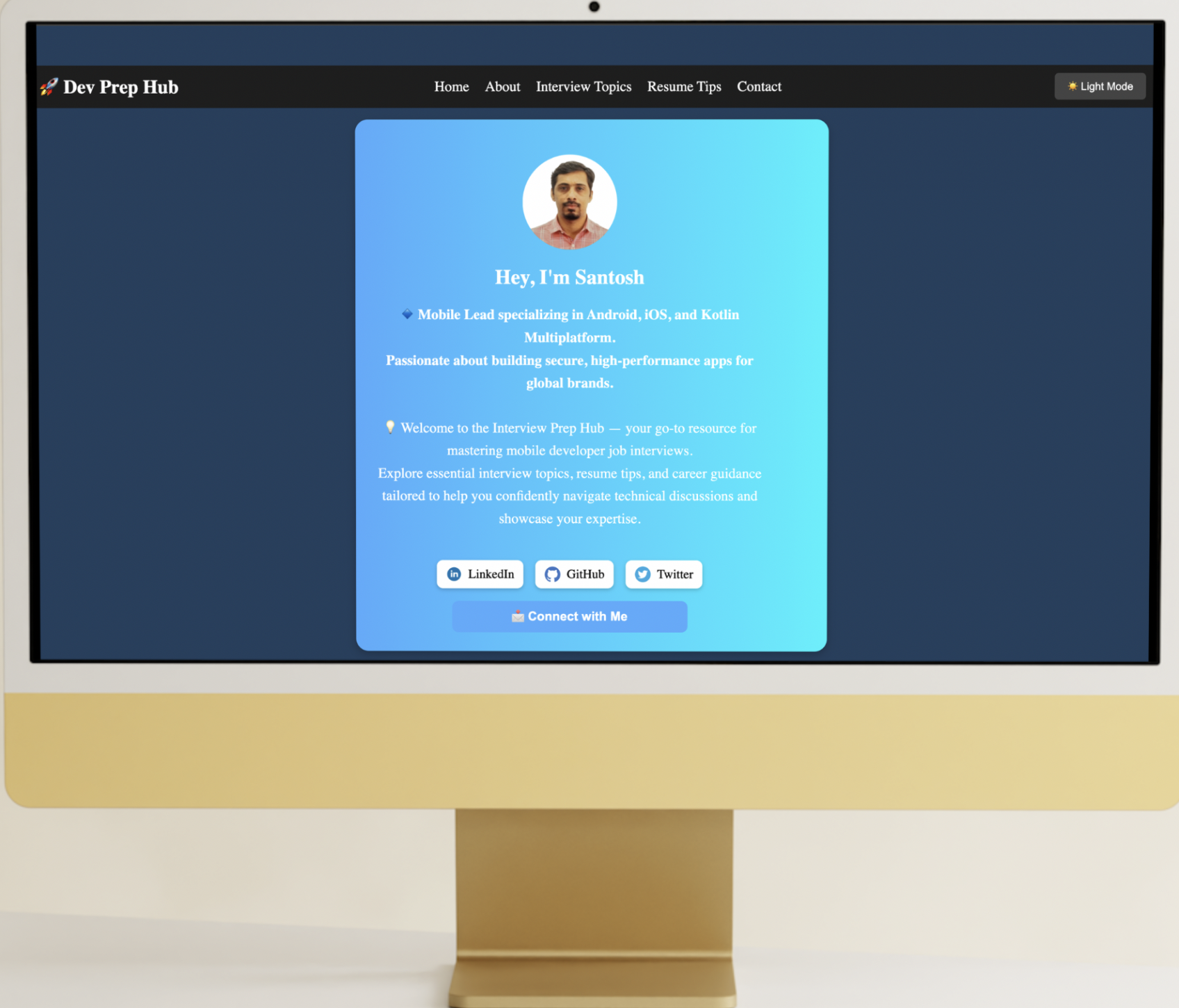
DevPrep Hub is my personal project aimed at helping mobile developers prepare for job interviews across Android, iOS, and Kotlin Multiplatform. This site serves as a curated collection of resources, interview tips, and study materials based on my experience in mobile development.
Please visit Kobweb's Official Site and Github Repo to learn more about Koweb. Since Kobweb is still in early stage you will get most of the details on github repository. After kobweb setup you can follow below steps.
Clone the repository and follow below steps:
$ git clone https://github.com/lokhandesh/DevPrepHub-kobwebFirst, run the development server by typing the following command in a terminal under the site folder:
$ cd site
$ kobweb run
Open http://localhost:8080 with your browser to see the result.
we recommend using IntelliJ IDEA Community Edition downloaded using the Toolbox App.
Press Q in the terminal to gracefully stop the server.
When we make any changes, the site will indicate the status of the build and automatically reload when ready.
When you are ready to publish, then export the project using:
kobweb exportYou can run a Kobweb server in production mode:
kobweb run --env prodCopyright ©2025 Santosh Lokhande