
FZF tools for ROS!
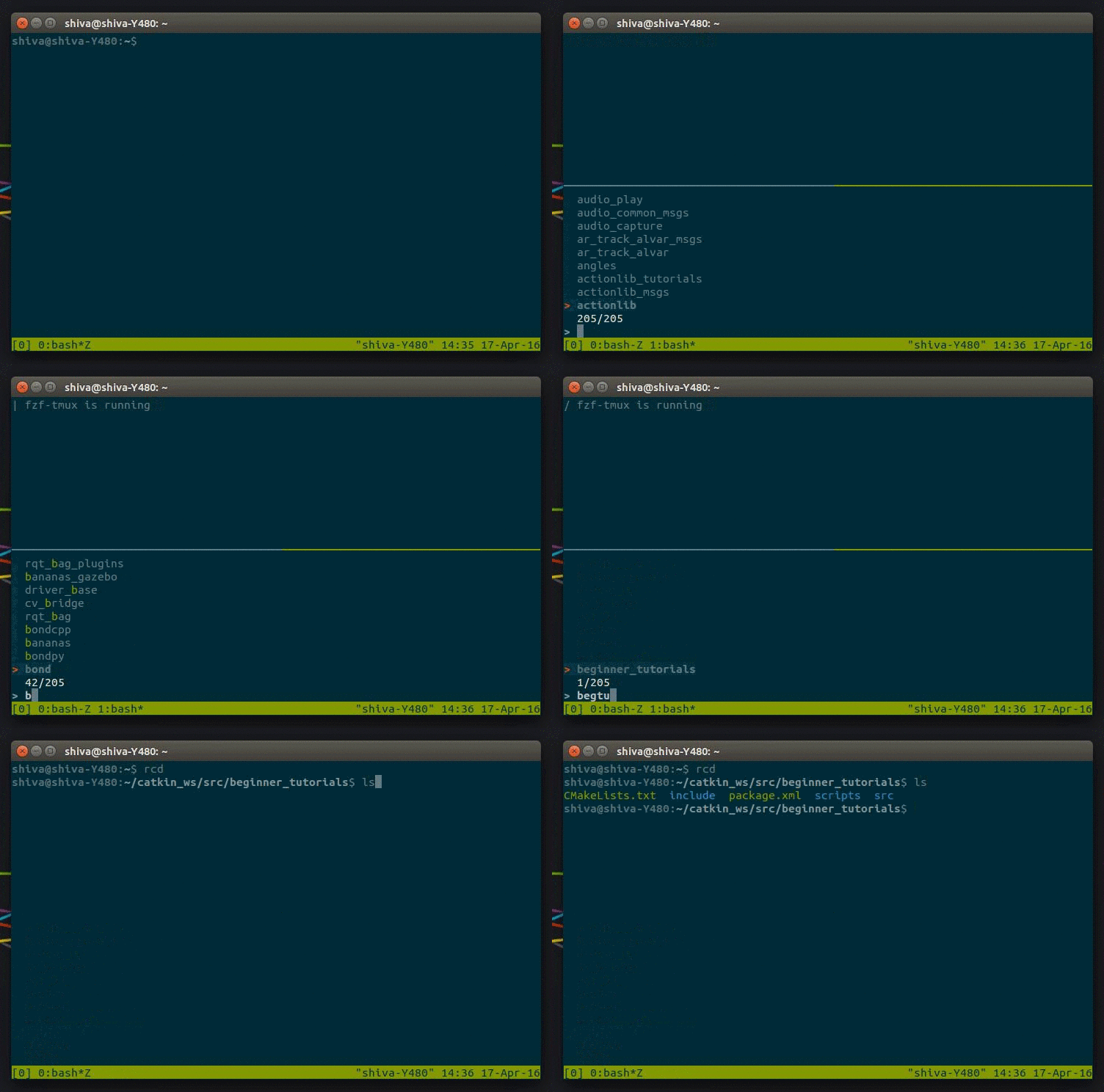
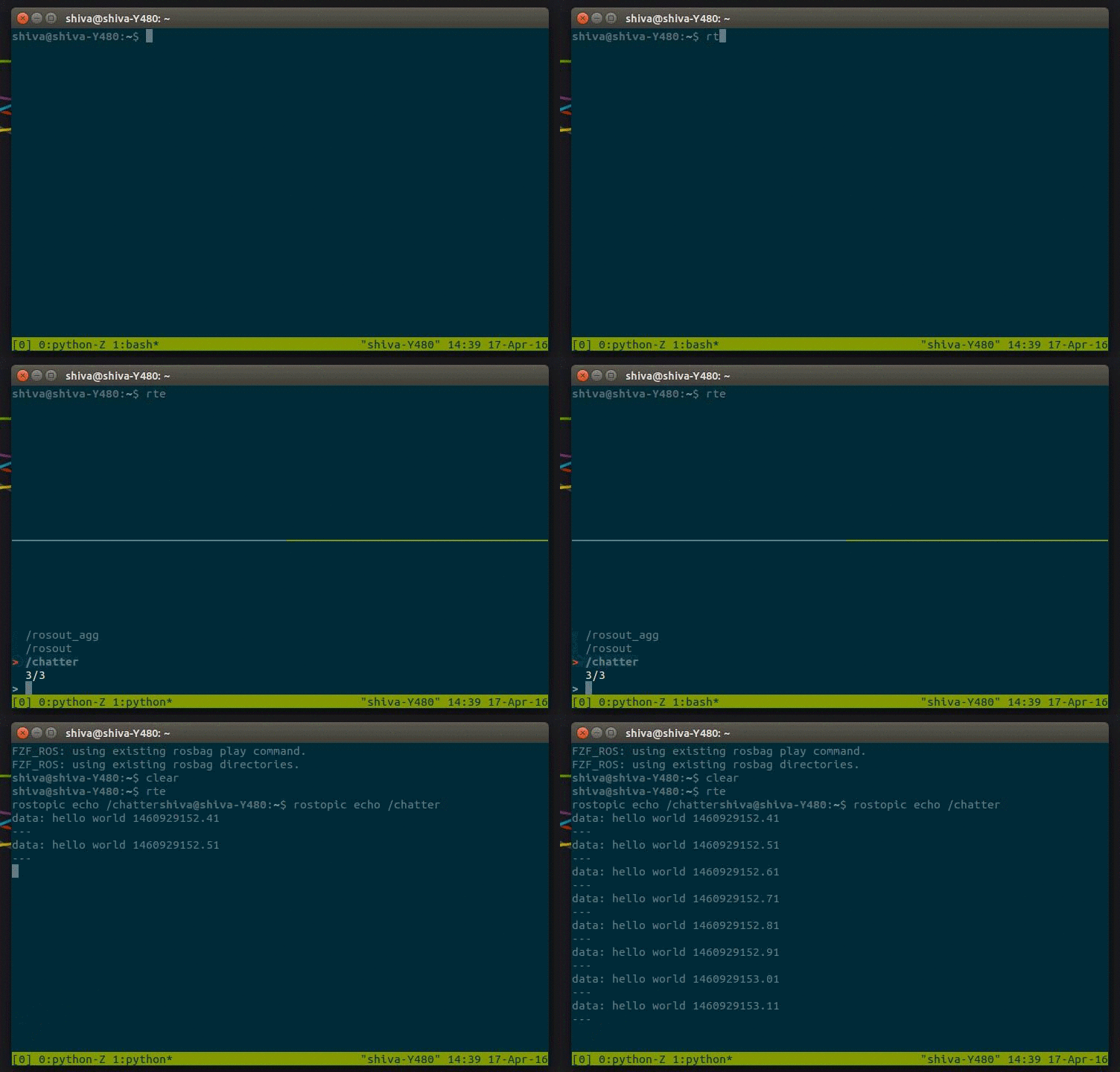
FZF is an awesome commandline fuzzy finder. These functions use FZF to help make working with ROS much easier.
You need the following to use all the functions:
After installing FZF, add the following line to your ~/.bashrc to source the file:
source /path/to/fzf_base.sh
source /path/to/fzf_ros.sh
# Install FZF
git clone --depth 1 https://github.com/junegunn/fzf.git ~/.fzf
~/.fzf/install

# Clone this repo
git clone --depth 1 https://github.com/shivaghose/fzf_ros.git ~/.fzf_ros

# Add the following lines to your .bashrc
source ~/.fzf_ros/fzf_ros.sh
Remember to source your .bashrc
Also, it's super useful to have already built your project at least once.
| Command | Shortcut |
|---|---|
| Misc. | |
roscd <package> |
rcd |
roslaunch <path/to/launchfile.launch> |
rlaunch |
$FZF_ROSBAG_COMMAND <path/to/bag_file.bag> |
rbag |
| Topic tools | |
rostopic echo <topic> |
rte |
rostopic info <topic> |
rtinfo |
| Node tools | |
rosnode info <node> |
rninfo |
rosnode ping <node> |
rnping |
rosnode kill <node> |
rnkill |
| Build tools | |
catkin build -w $ROS_DIR_PATH -DCMAKE_EXPORT_COMPILE_COMMANDS=ON <package> |
rb |
| Clean out particular packages | rclean |
$FZF_ROSBAG_COMMAND
Use your favourite default rosbag play command by adding the following in your .bashrc
export FZF_ROSBAG_COMMAND="rosbag play --pause --clock --hz=200 "
These files were originally made by the very talented Matthias Wisniowski, I'm putting it on github to keep track of it.